



Designing for Safety: The Evolution, Ergonomics, and Engineering of Modern HMI Software

Gone are the days when machine-operator terminals consisted solely of mechanical switches, pushbuttons, analog meters, and glaring warning lights. Today’s Human-Machine Interfaces (HMIs) control complex machinery and entire production lines, integrating powerful functions to drive, monitor, analyze, and optimize industrial operations.
Modern HMIs frequently serve as the core processors for Input/Output (I/O) signals, carrying feedback loops on speeds, temperatures, torques, tensions, and more. These sophisticated interfaces consolidate massive amounts of data, delivering global operational insights derived from a myriad of edge devices—ranging from transducers and smart motor-mounted encoders to smart bearings equipped with embedded communication electronics. Furthermore, contemporary discrete automation sees HMI functionalities integrated directly into automation devices, assuming tasks historically reserved for distributed control systems (DCSs).
As Moore’s Law continues to drive rapid advancements in electronic display technology, leading-edge HMIs shoulder the heavy burden of real-time data processing, translating raw machine metrics into human-readable graphical formats. This smooth conversion of data into visual readouts is now largely taken for granted, yet it represents a monumental leap in industrial engineering.
Chronology: From Mechanical Panels to IIoT Hubs
To understand the modern HMI software landscape, it is helpful to trace its technological evolution across industrial eras:
- The Electromechanical Era (Pre-1980s): Operator control was physical and localized. Terminals featured hard-wired pushbuttons, toggle switches, analog gauges, and incandescent indicator lights. Troubleshooting required manual tracing of electrical schematics, and system modifications meant physically rewiring control cabinets.
- The Early Digital & Proprietary Era (1980s–1990s): The advent of affordable microprocessors birthed text-based digital screens and early graphical terminals. These early HMIs utilized proprietary operating systems and rigid software packages. While they reduced physical panel clutter, programming was tedious, communication protocols were fragmented, and graphics were rudimentary.
- The Windows-Based & Touchscreen Revolution (2000s–2010s): Industrial PCs (IPCs) and Windows-based development software transformed HMI engineering. Screen-editor software allowed designers to draft visual layouts rapidly, import schematics, and deploy cost-effective resistive touchscreens. HMIs began bridging the gap between machine-level logic and supervisory control.
- The Smart IIoT & Multi-Device Era (Present): Today’s HMI software operates as an intelligent hub within the Industrial Internet of Things (IIoT). Modern HMIs feature HTML5-compliant web servers, cloud connectivity, multi-tiered security, and remote monitoring capabilities accessible via smartphones and tablets. They no longer merely display data; they actively filter, analyze, and distribute operational insights across global enterprise networks.
Main Facts: The Anatomy of Modern HMI Software
Whether deployed in low-tech applications using small resistive-touch industrial terminals costing just a few hundred dollars—yet maintaining basic Ethernet and PLC connectivity—or powering automated pharmaceutical and medical-device manufacturing plants, the software layer remains the defining element of the user experience (UX).

Graphical User Interfaces (GUIs) and Screen Design
Software defines the visual and interactive elements users encounter on display screens, whether on a machine chassis or a remote mobile device. Final HMI programming typically occurs within Windows-based development environments, enabling engineers to configure communication protocols and layout schematics efficiently.
However, poor HMI designs degrade an operator’s psychosocial state and increase workplace accident risks. Overly complicated, ambiguous, or disorganized screens confuse personnel, while overly simplistic interfaces can disengage operators from active process optimization.
Hierarchical Navigation Structures
Industry best practices dictate organizing HMI navigational frameworks into logical hierarchies:
- Top-Level Homescreen: Offers a "big picture" overview of system health and active alarms. Modern systems utilize notification badges—similar to smartphone app icons—color-coded by criticality, allowing operators to touch a badge and jump directly to the relevant diagnostic screen.
- Operation Screens: Located one level down, these stripped-down screens display only immediately actionable data for tasks like machine startup checklists or variable adjustments.
- Control & Diagnostic Layer: Deep-level screens containing detailed system schematics, control loops, and performance metrics.
- Analysis & Help Content: The deepest layer, reserved for skilled technicians to perform control tuning, axis parameter adjustments, and historical trend analyses.
Supporting Data: Ergonomics and Human Factors
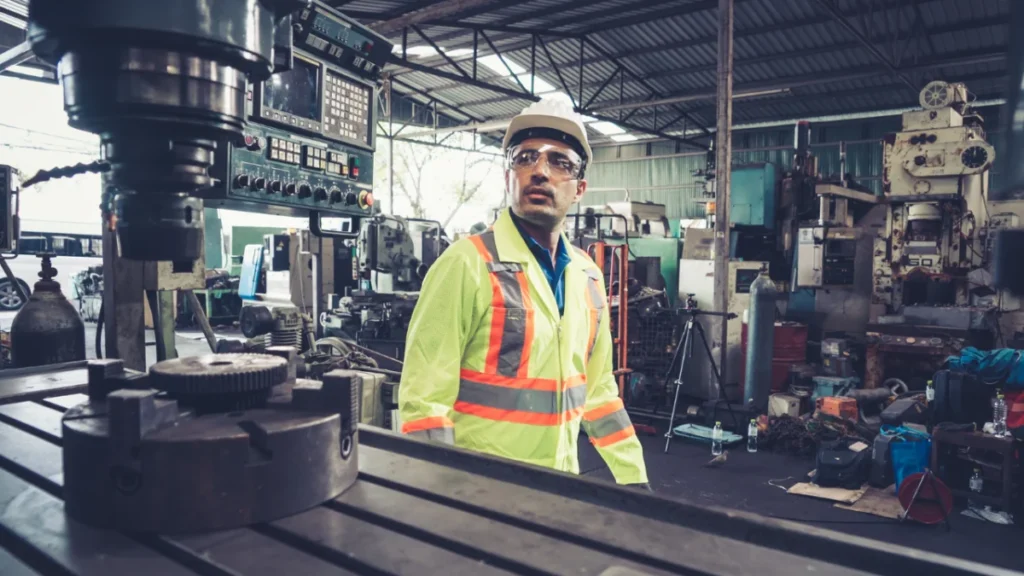
The physical and psychological environment of industrial workers makes HMI design a matter of occupational health and safety. Operators often spend entire shifts in close proximity to machine terminals, frequently working in noisy, dusty, thermally extreme, or high-stress environments across sectors like manufacturing, automated warehousing, construction, packaging, and agriculture.
Brute-force design approaches—such as mapping an HMI’s navigational structure directly to a machine’s electrical control diagram or dumping raw tables of data onto a single screen—force personnel to hunt through menus just to execute a basic command.

Industry guidelines from regulatory bodies, including the U.S. Department of Labor’s Occupational Safety and Health Administration (OSHA) and the European Agency for Safety and Health at Work, emphasize that physical and cognitive ergonomics must be prioritized.
Key Design Pitfalls and Solutions
- 1. Neglecting Operator Consultation: Engineers unfamiliar with daily plant operations often build systems requiring exhaustive training and manuals. Solution: Involve plant operators early via prototype mockups and feedback sessions to capture real-world perceptual insights.
- 2. Overcomplicating Screens: Cluttered interfaces with hyper-realistic 3D machine renderings invite operator error. Solution: Prioritize clean, minimalist operation screens containing the absolute minimum number of elements required to execute a task.
- 3. Tabular Data Overload: Forcing operators to read raw spreadsheets during fast-paced operations impairs decision-making. Solution: Aggregate numerical data into virtual dashboard graphs, trendlines, and charts to foster situational awareness.
- 4. Inadequate Maintenance Access: Troubleshooting often forces technicians to bypass safety interlocks improperly. Solution: Provide dedicated, secure maintenance screens accessible from the top-level homescreen that facilitate safe-mode operations, axis braking, and performance checks.
- 5. Inconsistent Symbology: Mismatched icon styles and chaotic color schemes cause mental fatigue. Solution: Enforce strict style guides using pre-configured software symbol libraries, applying colors (like yellow and red for alerts) strategically and consistently.
- 6. Alarm Fatigue: Persistent, overly loud, or ambiguous alarms cause operators to ignore or silence critical alerts. Solution: Implement a prioritized, color-coded alarm management system paired with persistent notification badges. Non-critical alarms can be offloaded via email to maintenance staff.
- 7. Underestimating Connectivity Challenges: Advanced IIoT installations require deep integration between machine controls and enterprise software. Solution: Utilize vendor-supplied educational modules, configuration wizards, and technical support to master unfamiliar software frameworks.
Official Responses and Industry Perspectives
Industry associations, safety regulators, and Original Equipment Manufacturers (OEMs) increasingly view HMI software not as an afterthought, but as a critical compliance and differentiation component.
According to human-factors engineers specializing in industrial automation, "The human brain can comfortably process only a handful of distinct data points at any given moment. HMI software must reflect this biological limitation by serving up information strictly on a need-to-know basis."
Leading automation vendors have responded by embedding advanced style templates and standardized symbol libraries directly into their configuration software. These tools enforce visual consistency across corporate machine fleets, reducing operator training times and minimizing the likelihood of cognitive fatigue during extended shifts.
Furthermore, machine builders (OEMs) leverage advanced HMI software as a primary product differentiator. In high-stakes sectors like pharmaceuticals, where batch validation and audit trails are legally mandated, an intuitive HMI that seamlessly integrates with enterprise resource planning (ERP) systems commands a distinct market advantage.

Implications: The Future of Holistic Automation
As industrial facilities march further into the era of smart manufacturing and autonomous operations, the role of HMI software will continue to expand. The implications of this evolution are profound:
- Safety as a Software Metric: Historically, industrial safety was governed strictly by physical guards, light curtains, and emergency stop buttons. Today, safety compliance heavily relies on the psychological ergonomics of software design. Minimizing operator confusion directly correlates with reduced workplace accident rates.
- Bridging the Skills Gap: With the manufacturing sector facing a persistent labor shortage and an aging workforce, intuitive HMI software acts as a force multiplier. Streamlined, role-based interfaces allow less experienced workers to operate complex machinery safely with minimal onboarding.
- The Shift Toward Borderless Integration: As edge computing and cloud analytics converge, the traditional boundary between machine-level HMIs and enterprise supervisory systems is dissolving. Future HMI software must balance open connectivity with robust cybersecurity protocols to protect critical infrastructure from external threats.
Ultimately, achieving optimal industrial performance demands a holistic design philosophy—one that respects both the physical capabilities of industrial machinery and the cognitive limits of the human beings operating them. Failing to adopt this approach risks degraded throughput, heightened worker stress, and costly downtime driven by preventable human error.